

Build once. Let MsgDrip do the rest.
Turn CRM events into journeys that send the right message on the right channel, then step aside when the customer replies.
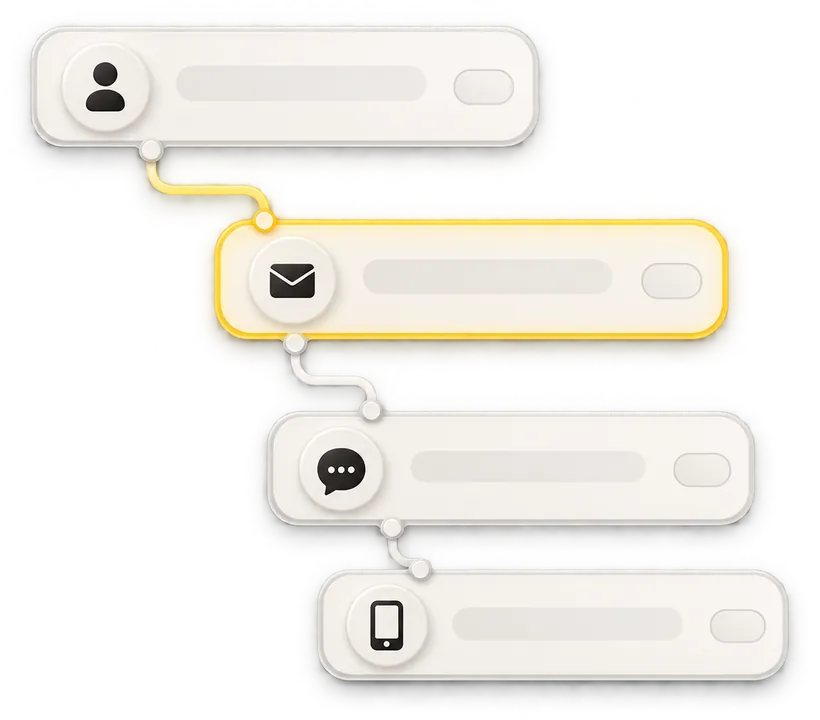
Start a journey from anything that happens.
CRM events
A new contact, a deal stage change or any field update.
Time & dates
Delays, birthdays, renewal dates and recurring schedules.
Customer actions
Replies, clicks, purchases and form submissions.
API & webhooks
Any event your own product sends to MsgDrip.
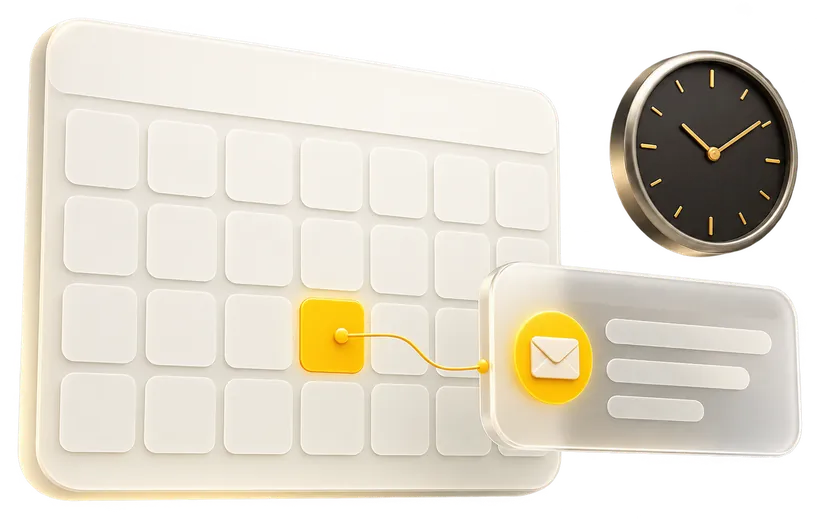
Send when it will be read.
Schedule messages and follow-ups by the customer's local time, wait for a delay or a date, and pause during quiet hours.
- Local time zones per contact
- Quiet hours per channel
- Relative dates, like 2 days before renewal
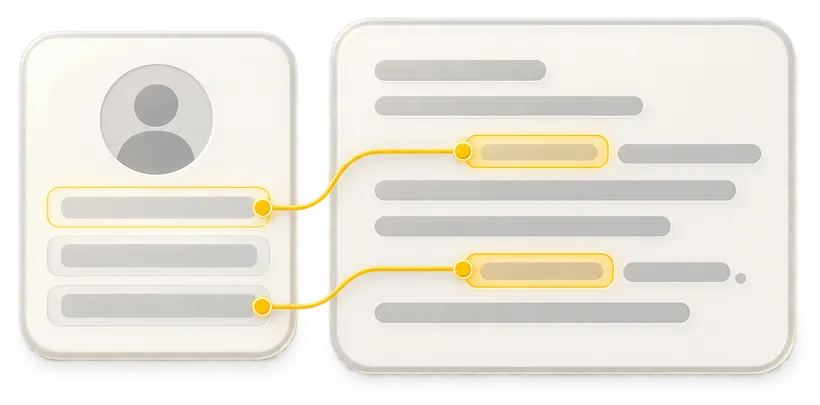
Every message, written for one person.
Fields from your CRM fill in automatically. Try it: edit the fields and watch the message update.
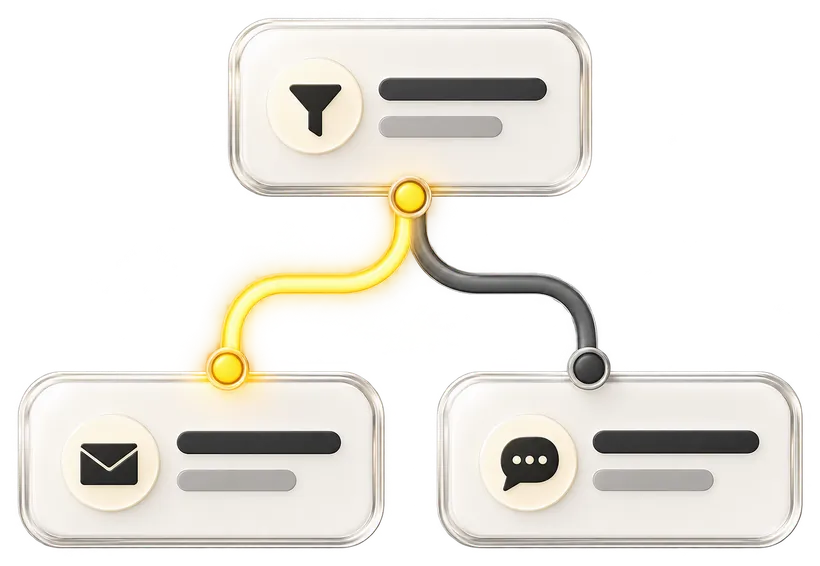
The right channel for each customer.
Routing rules pick the channel per contact. Change the customer below to see which rule wins.

Your customers are everywhere. Reach them anywhere.
Connect your CRM, create your first campaign and experience a unified communication platform built for modern businesses.